

 v0.beta.2025.09.03
(v0.beta.2025.09.03)
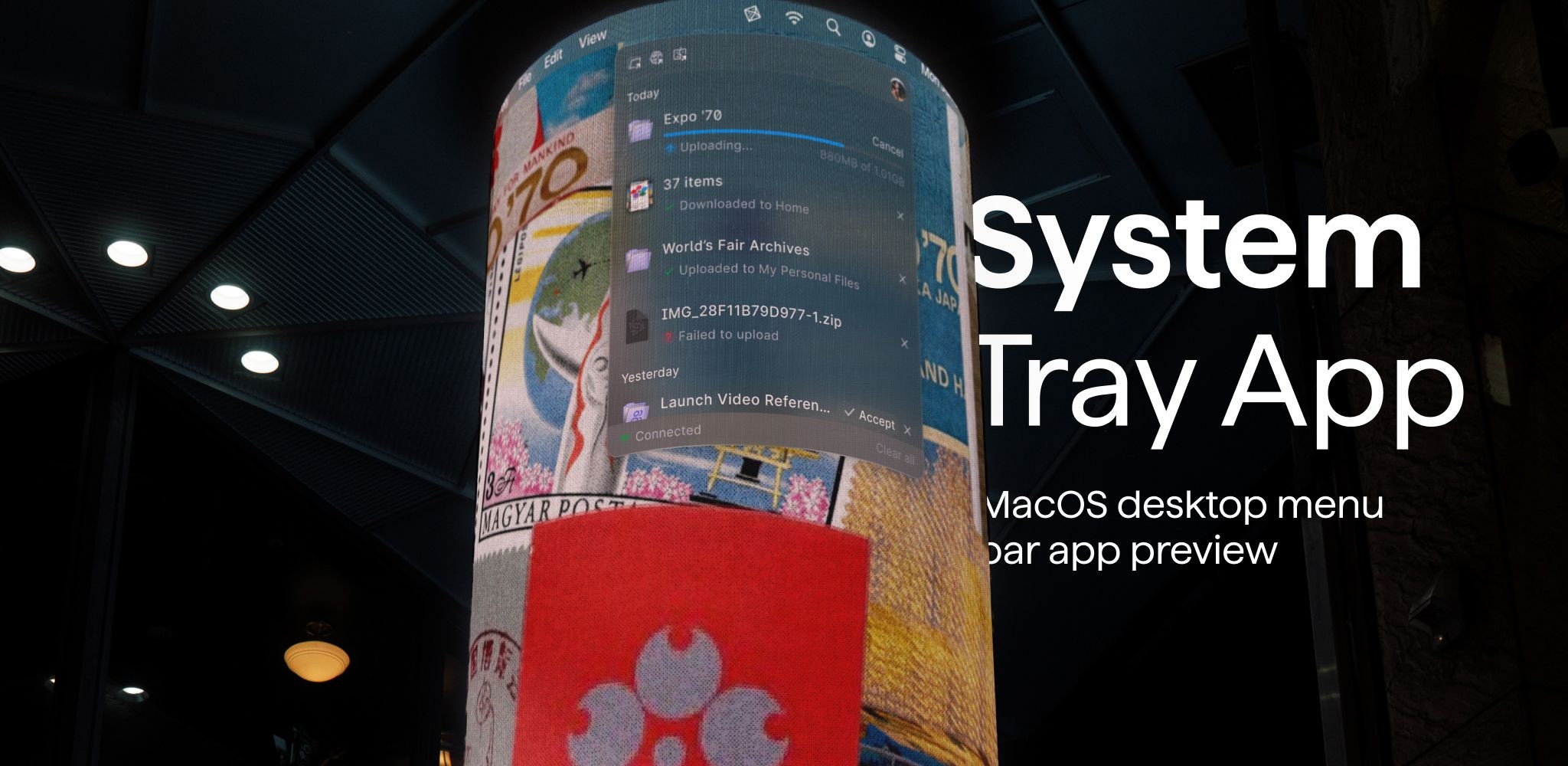
System Tray App
Our desktop app gets a new quality of life update today with the launch of our System Tray app. Poly now sits in the corner of your (macOS) system tray and shows you ongoing transfers and soon all kinds of helpful information. We’ve got some even more exciting updates next week that will benefit from this.
But that’s not all. We’re also introducing support for a swath of new image types into Poly, including ‘.psd’ (Photoshop image files), ‘.heic/.heif’ (iPhone camera photos), and ‘.jxl’ (JPEG XL format photos). When you upload these images types into your UI, you should now see fully accurate thumbnails appear. We’re continuously on a mission to make Poly the most widely-supporting file browser out there, so let us know what types of files you want us to support!
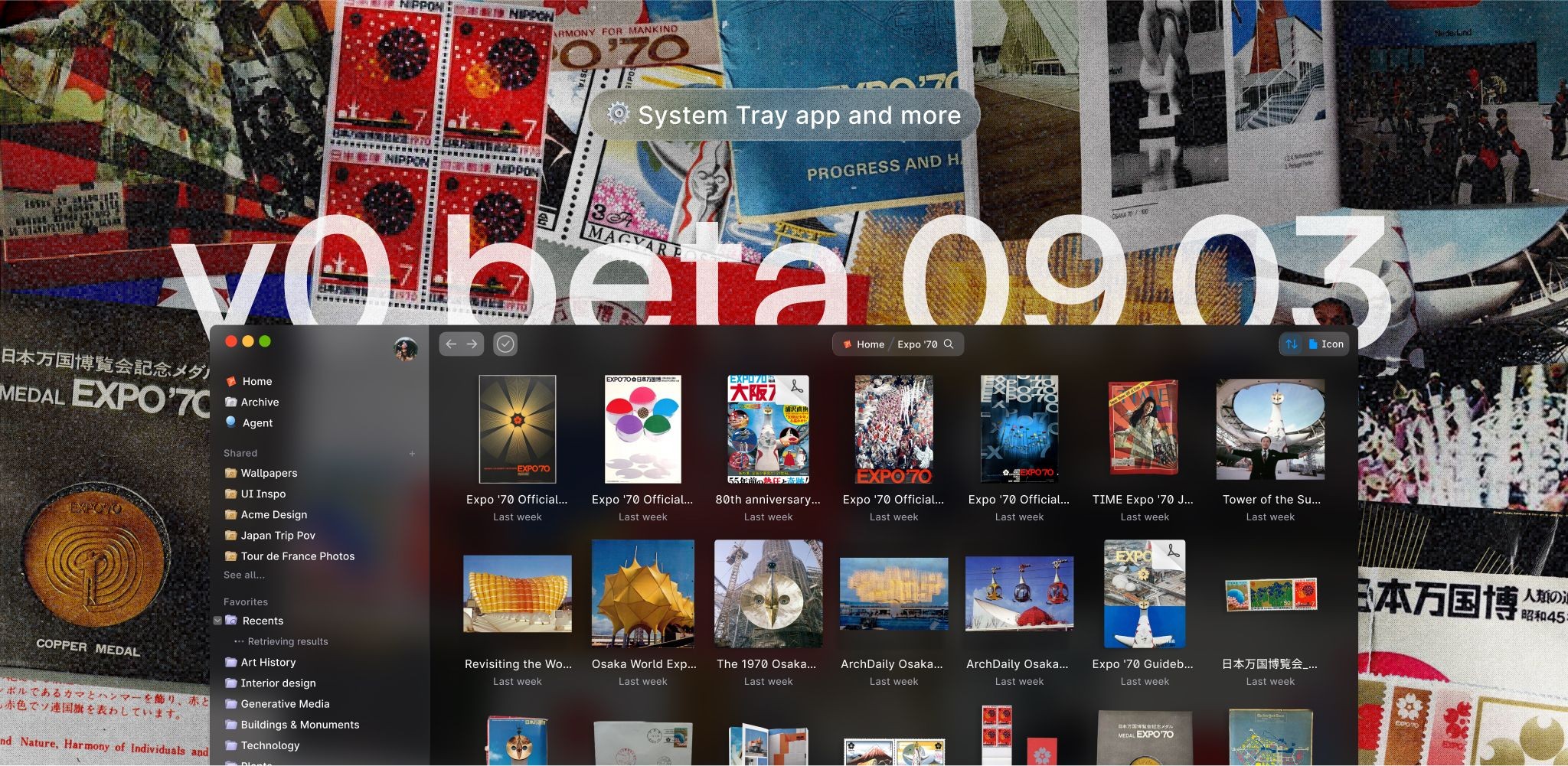
- You can now safely upload more image file types and they will generate thumbnails, and also be readable by your agent! (.psd, .jxl, .heif, .heic)
- macOS desktop app now has a Poly finder icon on the right side
- macOS file tags and colors are automatically synced with Poly (in both directions), including at the time when you upload files or drag them into the UI
- macOS desktop app now has a slight border to align the aesthetics with the rest of the mac desktop app ecosystem
- Fixed an issue where outlines of files on Safari would be cut off
- Addressed multiple sources of incorrect/invalid login behavior
- Upload, download, and copy jobs now correctly appear across tabs and windows, browsers, and machines (previously a job added one one machine would not appear on others)
Join our Discord** **to share any bugs and requests, and give us your thoughts over coffee, virtually or in person.
Till next week!
— Your friends at Poly 🔶